Fit an image below a file-size ceiling
The tool searches JPEG/WebP encoder quality settings for an output at or below a requested size. It keeps the pixel dimensions and does not pad files to an exact number of bytes.
Set the maximum size
- Choose an image and select JPEG or WebP. PNG lacks the required quality control here.
- Enter the maximum KB value. This page uses
1 KB = 1024 bytes. - Press Compress to target size. The target-size search selects its own fitting quality; the general quality box does not fix that final quality.
- Check the exact byte report and visual preview before downloading.
Example: 200 KB
Target 200 means at most 204800 bytes. The result can be smaller. A receiving site using decimal KB may mean 200000 bytes instead, so choose a slightly smaller target or compare exact bytes.
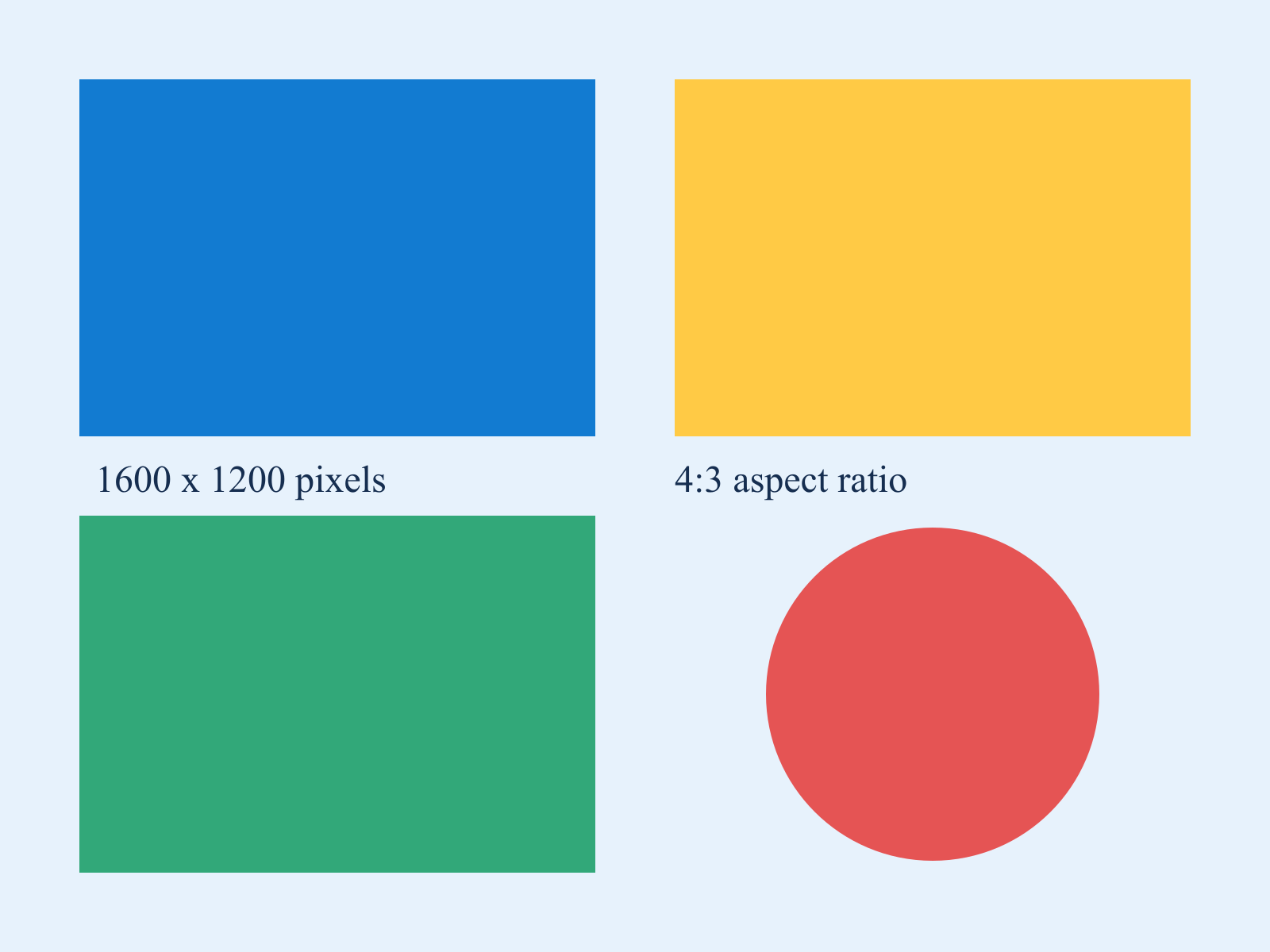
Download the sample chart, select JPEG and enter 200. A successful result should remain 1600 × 1200 and be no larger than 204800 bytes. The exact file size varies with the browser encoder. Inspect the colored edges and lettering before accepting the result.
Choosing quality versus choosing a size ceiling
Use this page when a form specifies a maximum file size. Use Image Compressor when you want to choose the quality yourself and compare the resulting bytes. Neither workflow guarantees that a compressed copy looks identical to the original. For a decimal limit of 200000 bytes, a target of 195 allows at most 199680 bytes here.
Why is the target unreachable?
Detailed or very large images may exceed the ceiling even at low quality. Reduce dimensions with Image Resizer, then repeat. The bounded search is not proof of the smallest possible result across every encoder setting.
Can it preserve transparency?
JPEG cannot. WebP may preserve it when supported, but inspect the output. Low quality can damage small text and edges regardless of format.
Targets range from 1 to 25600 KB. Inputs are limited to 25 MiB and 24 million decoded pixels. Encoding stays in your browser; keep the source if visual quality is unacceptable.