Remove repeated CSV records
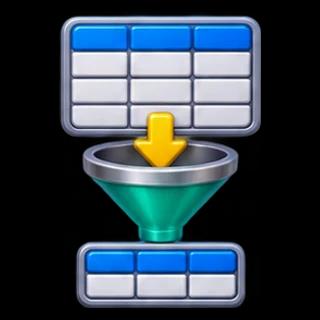
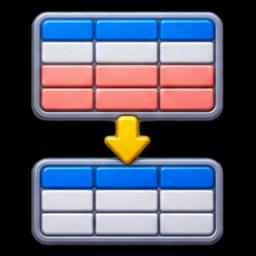
CSV Deduplicator compares complete parsed rows, not raw lines. It retains the first occurrence of each row and writes a new CSV with the original header. A quoted cell containing a comma or a line break remains one cell. This is useful after combining exports that contain overlapping records.
Try a reproducible example
Choose Load example, then Run tool. The example contains three records: Ada/Blue twice and Lin/Red once. The result contains two records and reports one excluded record. The header is not included in the record count. Copy the result or download the CSV.
What counts as a duplicate?
Every cell must match exactly. Case, spaces, empty cells and numeric spelling are significant: 01 differs from 1, and Ada differs from ada. The tool does not select an ID column, merge conflicting customer records or choose the latest timestamp. If two records have the same ID but different values, both remain.
Export and troubleshooting
Use comma-separated data with one unique, nonempty name per column. Every record must have the same number of cells. The limits are 200,000 input characters, 200 columns and 10,000 records. Invalid quoting or inconsistent widths produces an error rather than a partial file.
Preserve mode keeps cell strings, with normalized CSV quoting and line endings. Spreadsheet protection adds an apostrophe before formula-like cells, including negative numbers; this changes their values. Choose it only when that tradeoff suits your destination.
Use CSV Merger before deduplication to combine exports, or CSV Row Filter to keep records matching a value. Editing input clears the previous result. Processing stays in this browser and does not modify the original file.