Change the separator of comma-separated CSV
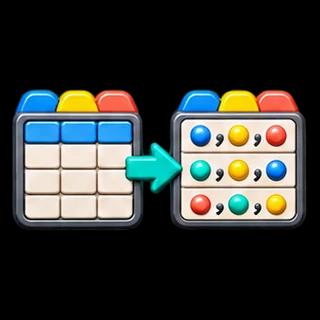
Paste a comma-separated table, choose Output delimiter, and select Convert delimiter. This page accepts comma CSV as its source and writes semicolon, tab or pipe-separated text. For the opposite direction from tabs to commas, use TSV to CSV Converter.
Example: a comma inside a value
The sample's note for Ada is the single cell one,two. With semicolon selected, the first data record becomes "Ada";"one,two". The comma remains inside its cell and is not treated as another field. Every output field is double-quoted; embedded quote characters are doubled.
Preserve values while changing the dialect
Changing a delimiter does not change numeric types, dates, leading zeros or whitespace inside cells. It does rewrite the serialization, including quoting and record separators. Output uses CRLF between records and no added final record separator. Choose the delimiter explicitly in the receiving application; a .txt extension does not tell it which separator to use.
Tab output downloads as .tsv; semicolon and pipe outputs use .txt. All remain text tables with one header row. This is not an automatic delimiter detector and does not parse semicolon or pipe input. Header names must remain unique and nonempty, and every data record must have the same cell count.
Export protection is a separate choice
The default preserves generated cell strings. Spreadsheet protection adds an apostrophe before formula-like prefixes, including negative numbers, so values change. It is not a universal safety guarantee. Inspect how the destination imports quoted fields before replacing important source data. Use CSV Formula Injection Checker to review suspicious prefixes first.
Input and output limits
The page supports up to 200,000 input characters, 200 columns and 10,000 data records, with a two-million-character output limit. Processing stays in this browser. Editing source text or options clears prior results and download links. No source file is overwritten.
A leading byte-order mark is rejected rather than retained in the first field. Unpaired surrogate code units are rejected because a UTF-8 download could not preserve them.