Multi Touch Test
Track simultaneous pointer contacts with visible markers and a live contact count on the test surface.
How to use the tool
- Use a touch-capable device.
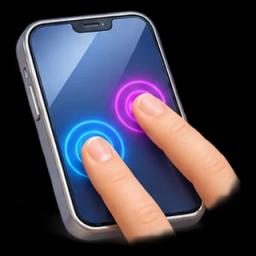
- Place several fingers inside the surface and move them.
- Lift each finger and check that its marker disappears.
Example and interpretation
Three fingers should produce three markers when the browser delivers three separate contacts. A mouse generally creates one pointer.
Limits
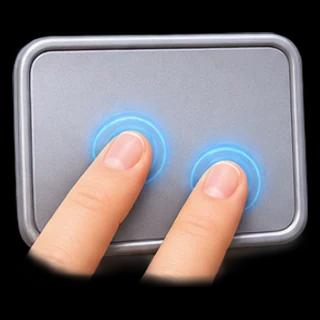
Counts represent active captured browser pointers, not the hardware’s rated maximum contacts. System gestures and edge navigation can intercept input. Desktop trackpads often expose mouse-like movement instead of raw contacts.
Troubleshooting
Keep fingers away from system navigation edges. Test on a direct touchscreen if a desktop trackpad exposes only one pointer.
Frequently asked question
Can this count laptop trackpad fingers?
Often not. Trackpad abstraction and touchscreen pointer events are different input paths.
Related task
Use Touchpad Test to inspect mouse-like movement, clicks and wheel events from a laptop trackpad.